The Tech Pulse

February 15, 20268 min read
Tags
  • Openclaw
  • Brief
  • Morning
  • Tasks
  • Tools
  • Goals
  • Build
  • Coding
  • Https
  • Control
Share

100 hours of OpenClaw lessons in 35 minutes

Here is a consolidated Markdown summary of the OpenClaw transcripts, capturing key concepts, architectures, and practical takeaways.

OpenClaw: Key Points and Takeaways

1. Overview

  • OpenClaw is a 24/7 AI “employee” that runs locally on your computer, capable of autonomously performing tasks, learning about you, and adapting over time.
  • It can control your computer, browser, code apps, and various workflows; it’s designed to be proactive, not just reactive.
  • OpenClaw is open-source and customizable, enabling you to tailor memory, preferences, and behavior.
  • It can onboard tools, prototype solutions, and ship features largely autonomously, with your review.

Core Purpose: This tutorial explains how to install, configure, and operationalize OpenClaw as a persistent, proactive AI agent that runs locally and autonomously performs tasks on your computer.

Main Problem Addressed: Most users fail to unlock the full automation, orchestration, and workflow power of OpenClaw due to:

  • Poor installation choices (e.g., VPS misconfiguration)
  • Weak onboarding (no goals/context provided)
  • Incorrect operational mindset (micromanaging config instead of goal-driven orchestration)
  • No structured workflow architecture

Primary Technologies Discussed:

  • OpenClaw
  • Anthropic (Opus 4.6)
  • OpenAI
  • MiniAX
  • Telegram
  • Discord
  • Next.js
  • Brave API
  • X API
  • Codeex CLI
  • Local AI models
  • Cron jobs
  • macOS / Windows terminal environments

2. Detailed Step-by-Step Breakdown

A. Installation (Local Only – NOT VPS)

❌ Avoid:

  • VPS hosting
  • Public exposure
  • Cloud-hosted remote agent environments

✅ Recommended:

  • Local machine installation (Mac or Windows)

Step 1 — Choose Hardware

Minimum Requirement:

  • Any working laptop or desktop
  • Raspberry Pi (basic workflows only)

Recommended:

  • Mac Mini (~$600)
  • Mac Studio (for local model scaling)
  • Existing laptop

Upgrade Path Strategy:

  1. Start with existing hardware
  2. Add Mac Mini if needed
  3. Upgrade to Mac Studio for local model orchestration

Step 2 — Install OpenClaw

  1. Navigate to:

    https://openclaw.ai
    
  2. Scroll to Quick Start

  3. Copy the single-line install command.

  4. Open terminal:

    Mac:

    Terminal.app
    

    Windows:

    Command Prompt or PowerShell
    
  5. Paste command:

    <paste quick start command>
    
  6. Press Enter

Installation completes automatically.

B. Onboarding Configuration

After install, OpenClaw launches interactive setup.

Step 3 — Select AI Model Provider

Options mentioned:

  • Anthropic (Opus 4.6) — most powerful, ~$200/mo
  • OpenAI — moderate cost
  • MiniAX — cheapest (~$10/mo)

Anthropic Setup:

  1. Choose Anthropic

  2. Copy provided authentication CLI command

  3. Run in new terminal

  4. Login

  5. Receive token

  6. Paste token into:

    • Notepad first

    • Ensure:

      • No line breaks
      • Single-line formatting
  7. Paste cleaned token into OpenClaw prompt

Common Mistake: Line breaks inside token → causes failure.

Step 4 — Messaging Platform Setup

Supported:

  • Telegram (recommended)
  • Discord
  • iMessage

Telegram Setup (Recommended)

  1. Install Telegram
  2. Follow OpenClaw onboarding instructions
  3. Authenticate bot connection

Benefits:

  • Threading
  • Chunked responses
  • Native conversational UI

C. Initial Configuration (Critical)

Step 5 — Identity & Context Injection

Open Gateway Dashboard (local web interface).

In chat:

Brain Dump:

Include:

  • Background
  • Profession
  • Goals
  • Ambitions
  • Work style
  • Preferences
  • Geographic location

Example structure:

I am [Name]
Background: …
Goals: …
Work style: proactive and autonomous
Mission: …

OpenClaw stores this in persistent memory.

D. Automated Morning Brief (Cron Scheduling)

Step 6 — Schedule Morning Brief

OpenClaw uses cron jobs for recurring automation.

Example prompt:

Schedule a morning brief every day at 8am.
Include:
1. Weather
2. AI news
3. Tasks from Things 3
4. Tasks you can complete today toward my goals
Send to Telegram.

It will:

  • Create persistent scheduled task
  • Execute daily
  • Self-adjust as context evolves

E. Mission Control (Custom Tooling Layer)

Step 7 — Build Mission Control Dashboard

Prompt:

Build a mission control dashboard using Next.js and host locally.
This will allow us to build productivity tools.

OpenClaw will:

  • Scaffold Next.js project
  • Host locally
  • Begin building internal tools

Typical Tools Built:

  • Approvals queue
  • To-do manager
  • Sub-agent tracker
  • Content pipeline
  • Visualization dashboard

Architecture: Local web app + OpenClaw orchestration

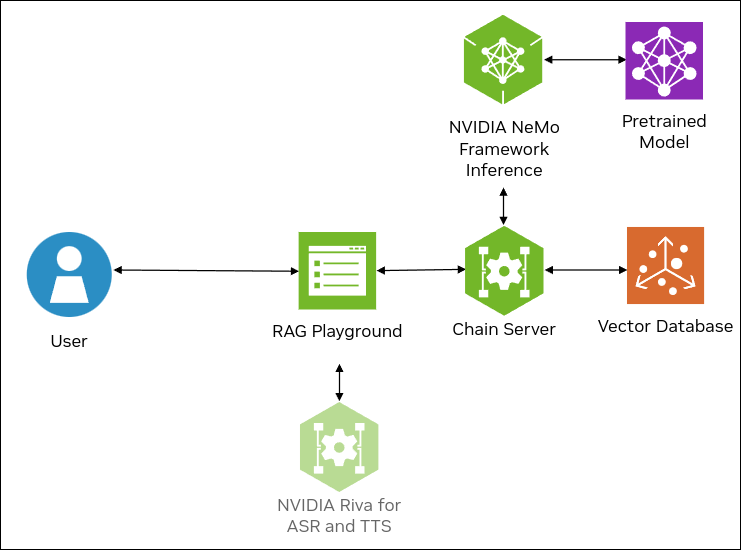
F. Brains and Muscles Architecture

Concept:

RoleFunction
BrainOrchestration model
MusclesTask-specific models

Example Setup

Brain:

  • Opus 4.6

Muscles:

TaskModel
CodingCodeex CLI
Web searchBrave API
Trending topicsX API
Cheap reasoningMiniAX

Configure Muscles

Example prompt:

For coding, use Codeex CLI.

It will:

  • Request API key
  • Store configuration
  • Use muscle automatically moving forward

Benefits:

  • Lower token cost
  • Model specialization
  • Performance efficiency

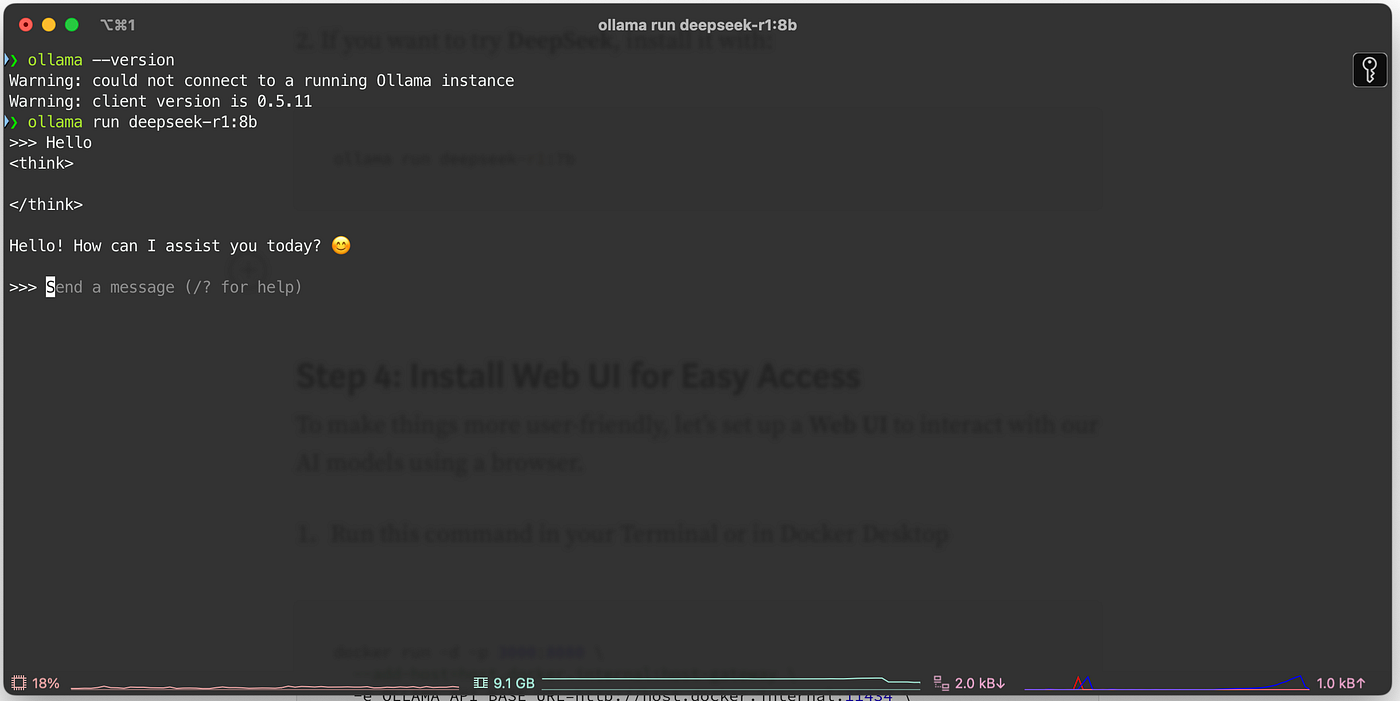
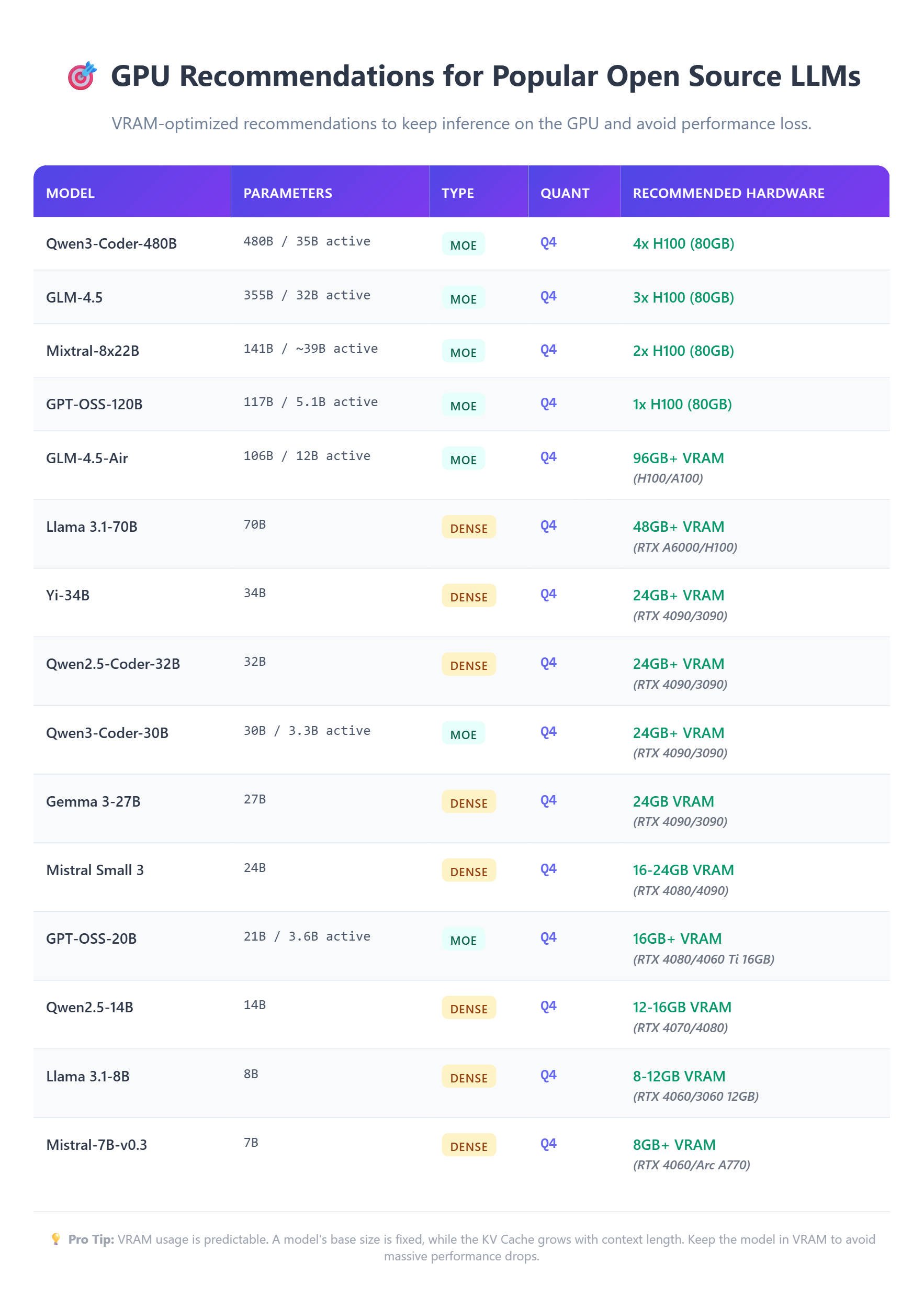
G. Local Models (Advanced)

Why Local Models?

  • Unlimited tokens
  • No API cost
  • Privacy
  • Personalized intelligence

Image

Image

Image

Image

Example:

Use MiniAX 2.5 locally for coding.

Hardware Impact:

  • Mac Mini → moderate capability
  • Mac Studio → high-performance inference

H. Advanced Workflow: Discord Pipeline

Multi-Channel Architecture

Example channels:

  • #alerts → trending topics
  • #research → investigative expansion
  • #scripts → YouTube scripts
  • #approvals → final review

Prompt:

Design an advanced Discord workflow with separated channels for research, content generation, and approval.

I. Security Model (CRITICAL)

OpenClaw has:

⚠️ Full OS-level control ⚠️ Access to browser sessions ⚠️ Access to API keys ⚠️ Access to files

Security Rules

Rule 1 — Do Not Expose Publicly

  • No group chats
  • No open tweet replies
  • No public bot access

Rule 2 — Assume Full Access

If logged into Gmail → OpenClaw can email If logged into X → OpenClaw can post

Rule 3 — Plan Before Execution

Prompt:

Before executing, provide step-by-step execution plan.

3. Key Technical Details

  • Installation: single CLI command
  • Token formatting must be single-line
  • Uses cron scheduling
  • Uses local hosting for dashboard
  • Full OS automation access
  • Messaging via Telegram/Discord
  • Supports multi-model orchestration
  • Supports local AI inference
  • Persistent memory system
  • Self-improving skills architecture

4. Pro Tips

  1. Always reverse prompt:

    Based on our goals, what should we build?
    
  2. Never edit config manually — give goal, not instruction.

  3. When failure occurs:

    Build a new skill to fix this permanently.
    
  4. Use approval gates before auto-posting.

  5. Upgrade hardware only when workflows demand it.

5. Potential Limitations / Warnings

  • Anthropic ToS risk
  • Prompt injection risk
  • Full system access = high damage potential
  • Token costs can scale quickly
  • Local models require GPU/RAM headroom
  • Poor context initialization leads to poor outputs
  • Exposing agent publicly = credential leakage risk

6. Recommended Follow-Up Resources

  1. Research local LLM deployment frameworks
  2. Study cron job syntax deeply
  3. Learn Next.js app scaffolding
  4. Study API key management best practices
  5. Explore model orchestration architectures

7. Suggested Books (5)

1. Designing Data-Intensive Applications

Author: Martin Kleppmann This book builds foundational understanding of distributed systems, data flows, state persistence, and reliability — crucial for designing persistent autonomous AI agents like OpenClaw that rely on memory, scheduling, and orchestration.

2. Building Microservices

Author: Sam Newman Helps understand how to modularize systems into independent services (brains and muscles model). Extremely relevant when architecting OpenClaw’s multi-model and multi-agent workflow pipelines.

3. You Don’t Know JS Yet

Author: Kyle Simpson Deep dive into JavaScript fundamentals. Critical for customizing and extending the Next.js-based Mission Control dashboard.

4. Site Reliability Engineering

Author: Google SRE Team Teaches production reliability, automation safety, monitoring, and failure recovery — directly applicable to managing autonomous agents with OS-level access.

5. The Pragmatic Programmer

Author: Andrew Hunt & David Thomas Improves engineering mindset, abstraction thinking, tool-building philosophy, and automation discipline — exactly the mindset needed to orchestrate OpenClaw effectively.

If implemented correctly, OpenClaw becomes:

  • A persistent AI operator
  • A workflow architect
  • A self-improving tool-builder
  • A multi-model orchestrator

The leverage comes from architecture, not prompting.

Use goals, not instructions. Reverse prompt constantly. Build tools. Protect credentials. Scale hardware only when necessary.

Get New Posts

Follow on your preferred channel for new articles, notes, and experiments.

Related Posts